The Practical Guide to Lot Tracking Software for Small Manufacturers (2026)
The Practical Guide to Lot Tracking Software for Small Manufacturers (2026)
Lot tracking software groups manufactured goods by the raw material batches and production conditions they share, so you can trace any finished unit back to its inputs and forward to its customers. Small manufacturers adopt it when spreadsheets stop matching the racks. You have three realistic paths: buy an off-the-shelf MRP tool, bridge your existing systems with a shop-floor layer, or build.
Two plants discover the same contaminated ingredient. One names the eleven finished lots and four customers that received it within the hour. The other knows only that the ingredient went in "sometime in March." Same defect, wildly different bill. Often-cited joint research from the Food Marketing Institute and the Grocery Manufacturers Association put the direct cost of a recall at an average of $10 million, with 23 percent of affected firms reporting costs above $30 million. Those surveys are not recent, so treat the figure as an order of magnitude rather than a quote. The point holds either way. The real product of lot tracking is not inventory accuracy. It is blast radius.
Key takeaways
- Lot tracking groups output by shared production conditions and raw material batches. Serial tracking identifies single units. Most small plants need the first.
- Regulated categories face record-production requirements on demand. That is a software problem and a standard operating procedure problem at the same time.
- Off-the-shelf tools fit most shops below a certain complexity and headcount. Check current per-user pricing before you commit.
- The usual failure point is not the software. It is whether floor operators actually scan.
What lot tracking actually is, and where spreadsheets break
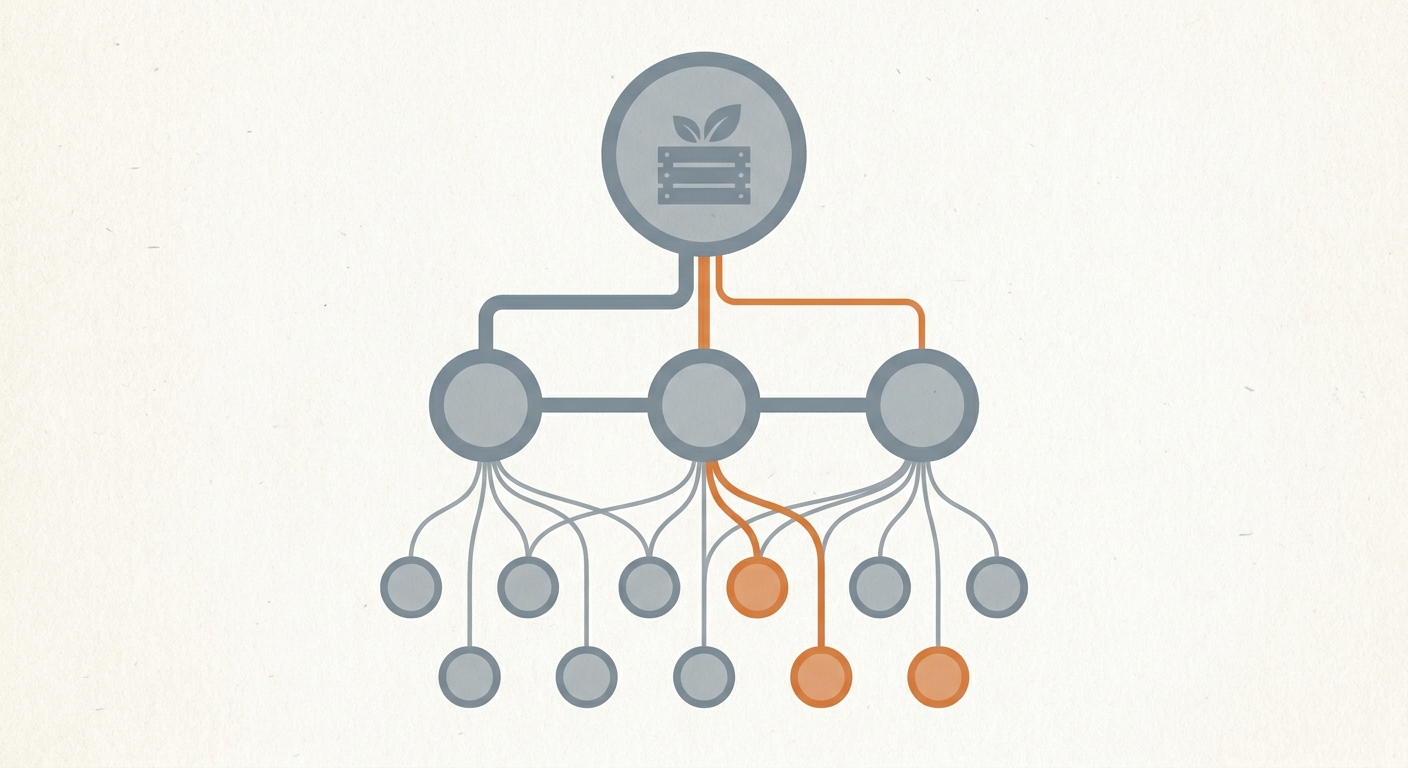
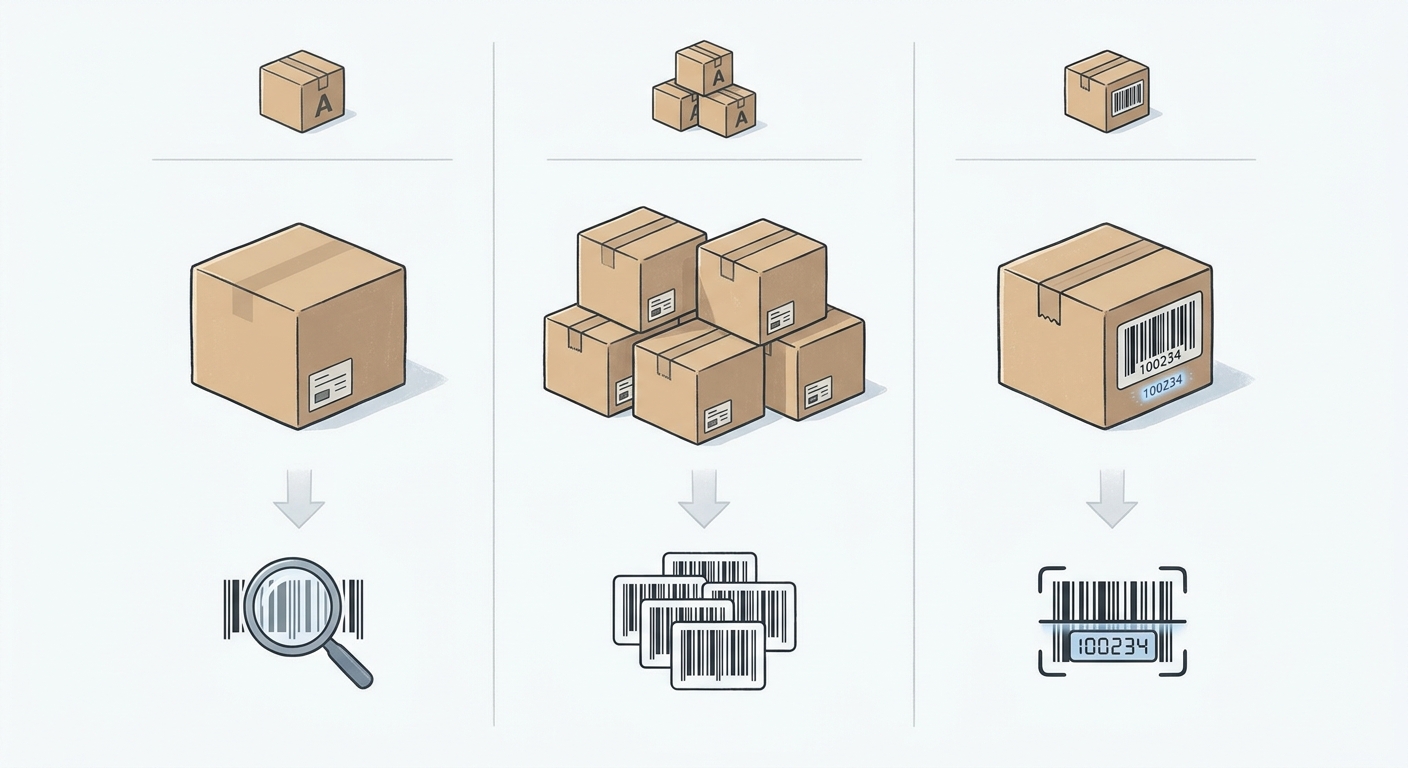
Inventory tracking answers how many items sit on the racks. It stops at the SKU. Lot tracking goes a level deeper, grouping items made under identical conditions from the same raw material batches. Serial tracking goes deeper still, giving every single unit a unique identifier.
Most small batch manufacturers need lot tracking. Food, supplements, cosmetics and specialty chemicals live at the batch level, because expiry dates, allergen risk and supplier defects all travel in batches. Aerospace, electronics and medical device makers usually need serial tracking, because the regulator or the customer wants to know the history of one specific unit.
Spreadsheets handle basic inventory counts well enough. They break under lot tracking for four mechanical reasons. There is no immutable audit trail, so a corrected cell leaves no record of what it said before. There is no enforced link between a consumed input lot and the output lot it became, so the genealogy depends on someone remembering to type it. First-Expired, First-Out picking depends on an operator reading a date correctly on a shelf. And when an auditor or a retailer asks for a sortable electronic record, producing one means hours of reconciliation against paper.
None of that matters on a quiet Tuesday. All of it matters on the day you get the call.
Forward and backward traceability, explained with one scenario
Every lot tracking system has to answer two questions in minutes rather than days.
Backward trace, starting from a supplier problem. Your ingredient supplier issues a recall on batch X. You need to know which of your finished lots contain that batch, how much of each you still hold, and which customer orders already shipped. Then you need the paperwork to prove it.
Forward trace, starting from a customer problem. A customer returns product from lot Y with a defect. You need the work order that produced it, the line and shift that ran it, the operators who signed off, and every supplier shipment that fed into that run. That last link tells you whether the problem is isolated or sitting in four other lots you have not shipped yet.
Both directions run on the same data. If a tool can only answer one of them cleanly, or needs an export and a pivot table to answer either, it is not doing the job you are buying it for.
The regulatory triggers that move this from nice-to-have to mandatory
For most small manufacturers, traceability becomes urgent because somebody outside the building demands it.
Food businesses handling items on the FDA's Food Traceability List fall under Section 204 of the Food Safety Modernization Act. The rule requires you to capture Key Data Elements at defined Critical Tracking Events and to maintain a Traceability Lot Code that follows the product through the supply chain. When the FDA asks during an outbreak investigation, you have to hand over those records as an electronic, sortable spreadsheet within 24 hours.
Check whether your specific category is on the list before you assume anything, and check the current compliance position rather than a date you read somewhere. The timeline has already shifted, with a proposed enforcement alignment to July 20, 2028 under discussion. The FDA's own guidance on the Traceability Lot Code is the place to check what the rule asks you to assign, keep and hand over.
Cosmetics manufacturers face a parallel set of obligations under the Modernization of Cosmetics Regulation Act, which brings facility registration, adverse event recordkeeping and the need to link ingredient lots to finished production batches. Medical device makers work under 21 CFR Part 820 and the matching international quality management standard, where Device Master Records and Device History Records tying component lots to finished units are not a feature of the quality system. They are the quality system.
One caveat worth stating plainly. No software makes a company compliant out of the box. Compliance is whether your SOPs and your software ask for the same things, and whether the people on the floor do both.
Off-the-shelf MRP: what it does well and what it costs
Start here, honestly. For a shop of one to five people making straightforward goods, one of the established tools is almost certainly the right answer, and a custom build is not.
| Tool | Best for | Watch for |
|---|---|---|
| MRPeasy | Small plants wanting BOMs, routing and batch tracking in one place | Per-user pricing as floor headcount grows |
| Katana | Ecommerce and DTC makers tied to Shopify and QuickBooks | Depth of batch genealogy and expiry handling |
| Fishbowl | QuickBooks-centric inventory operations | Licensing model and total cost for a light shop |
Published pricing moves, so confirm it yourself on the day you shortlist. Each of these vendors prices on a different basis, and the plan that carries the manufacturing depth you need may sit above the entry tier. Ask each vendor what the total looks like with every person who will touch the system, not just the office seats.
Where off-the-shelf software fails on a real factory floor
These tools work well in an office. The friction shows up on the line.
Per-seat pricing changes operator behaviour. When every login carries a monthly fee, shops share credentials. Five operators end up working under one supervisor account. That quietly destroys the accountability layer you bought the system for, and it is the kind of thing an auditor notices. Treat it as a pattern to watch for when you price a tool, not an inevitability.
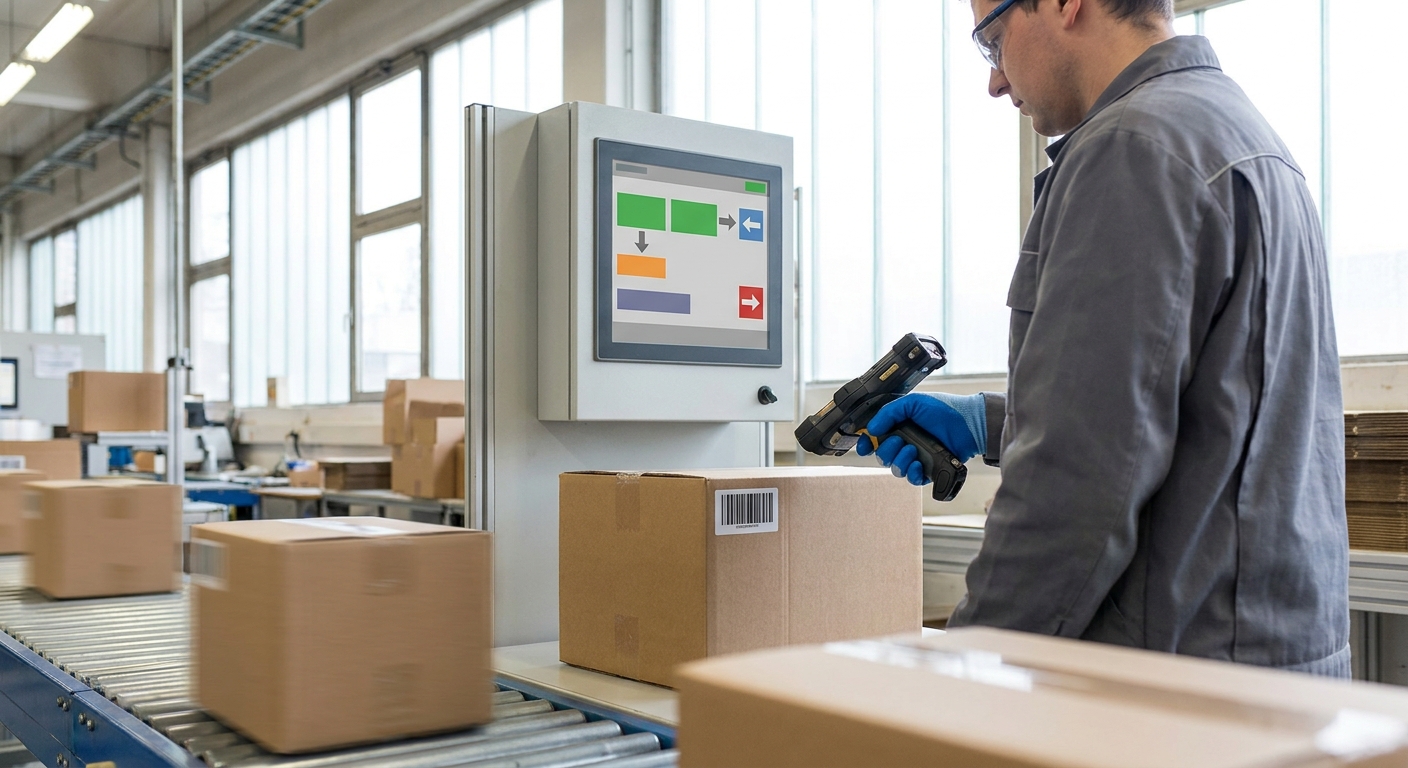
Fixed interfaces versus gloved hands. Dense browser forms designed for a desktop and a mouse do not survive wet, cold or gloved conditions. What works is a kiosk screen with large touch targets and a three-tap flow for the one thing that operator needs to record.
Language. Floor crews frequently do not read the software's default language comfortably. Thai and Burmese crews are common in Southeast Asian plants, Spanish-speaking crews in North America. An English-only entry form produces skipped entries, and a skipped entry is a hole in the trace that nobody finds until the recall. The fix is an interface in the languages the crew actually reads, which most SaaS vendors will not build for one customer.
Hardware. You already have scanners, label printers and bench scales bolted to the line. Ask every vendor the same question: is integration native, through middleware, or does someone re-key numbers from a scale into a browser?
Five capabilities worth insisting on
One-click bidirectional genealogy. The system should trace forward and backward without an export. Ask in the demo: show me a backward trace from a raw material lot to customer shipments, live, without touching a spreadsheet.
Automated FEFO or FIFO allocation. Expiry logic belongs in the software at the point of picking, not in an operator's judgement. Ask: what happens if someone scans a lot that is not the one the system wants picked?
Barcode or RFID capture at every handoff. Goods-in, consumption and packout, using the hardware you already own. Ask: which exact scanner and printer models have you deployed in the last twelve months?
An operator-proof entry screen. Minimal clicks, large targets, in the operators' language. Ask: can we add a language the product does not currently ship with, and what does that cost?
Audit-ready export. A sortable electronic file produced by a supervisor, not a developer. Ask: can you generate a sortable spreadsheet of lot records for a date range right now?
Buy, build, or bridge: a decision framework
Buy when your processes are standard, the number of people who need system access is low, hardware needs are basic, and no customer or regulator is asking for a record format the tool cannot produce.
Bridge when the accounting and ordering stack stays exactly where it is. A lightweight execution layer handles the floor, captures scans and lot consumption, and pushes clean data into QuickBooks, Xero or an existing ERP through an API or scheduled export. This is the least discussed option and often the right one. It solves the floor problem, which is where traceability actually breaks, without a disruptive replacement of the systems your finance team already trusts.
Build when per-seat costs cross the line against a fixed project fee. Build when the floor needs kiosks or languages the vendor will not add. Build when a customer or regulator demands a record format the tool cannot produce. Build when integrating with the specific scanners, scales and printers on your line is most of the work.
As an illustration of what a custom build involves rather than a quote: a typical AWcode factory software engagement runs 8 to 12 weeks with project fees in the $10,000 to $25,000 range, a working prototype at around six weeks, and hosting and support from $400 a month. Figures are typical, not fixed, and any custom path should be priced against the lifetime per-seat cost of the SaaS alternative before you decide.
Rolling it out without stopping production
Implementation should not cost you a week of output. Sequence it.
- Floor walk. Map where lot identity is created, split, merged and lost today. Most plants find at least one point where a lot number stops existing and nobody noticed. Allow a day.
- Define the lot. Decide granularity before you buy anything. Smaller lots mean smaller recalls and more labels. This is a business decision, not a software setting.
- Pilot. Run labelling and scanning on one line or one product family. Expect the first week to expose workflow gaps rather than software bugs.
- Run parallel. Keep the spreadsheet alongside the new system for a defined window, then compare the two. Where they disagree, find out why before you cut over.
- Cut over and test. Train supervisors to audit the data daily, then run a mock recall.
The mock recall is the only verdict that counts. Pick a finished lot at random, trace it back to every input and forward to every customer, and time it. A plant that cannot finish that exercise in an afternoon does not have traceability yet, whatever the dashboard says.

FAQ
What is the difference between a lot and a batch? A batch is the quantity produced in a single run. A lot is the identifying group assigned to goods for tracking purposes. The words get used interchangeably, but one batch can be split into several lots, and some operations assign a lot across more than one run.
Do I need lot tracking if I am not in a regulated category? If you want to limit the damage from a defect, yes. Without it, one bad component means recalling everything you cannot rule out, which is usually months of production instead of a pallet.
Can QuickBooks or Xero handle lot tracking on their own? They handle inventory valuation and financial records well. They do not handle scanning at the point of consumption, enforced input-to-output linkage, or bidirectional genealogy without add-ons, and the add-ons carry their own cost and limits.
How small should a lot be? Small enough to contain a recall, large enough that your team is not drowning in labels. A single production run or a single day's output on one line is a common starting point.
Before you book a demo, map how material actually moves through your building and where lot identity disappears. AWcode runs that floor walk as a standalone audit, and it leaves you with a written requirements list you can take to any vendor, including the ones we do not compete with.
{
  "title": "The Practical Guide to Lot Tracking Software for Small Manufacturers (2026)",
  "image_ideas": []
}